


STEM Kit · Age 12+
Recording Machine
Build it. Record your voice. Discover how sound comes to life.
Start building Get this kit →

12+
Age
★★★☆☆
Difficulty
40–60 min
Build time
Assembly · Electronics · Sound Science
Skills
Step by step
Instructions
Work through the steps in order. Each step has a photo of what your build should look like when it is done. "Long" and "short" refer to the two screw lengths in your kit.

Prepare the Battery Cover Frame (Long Screws)
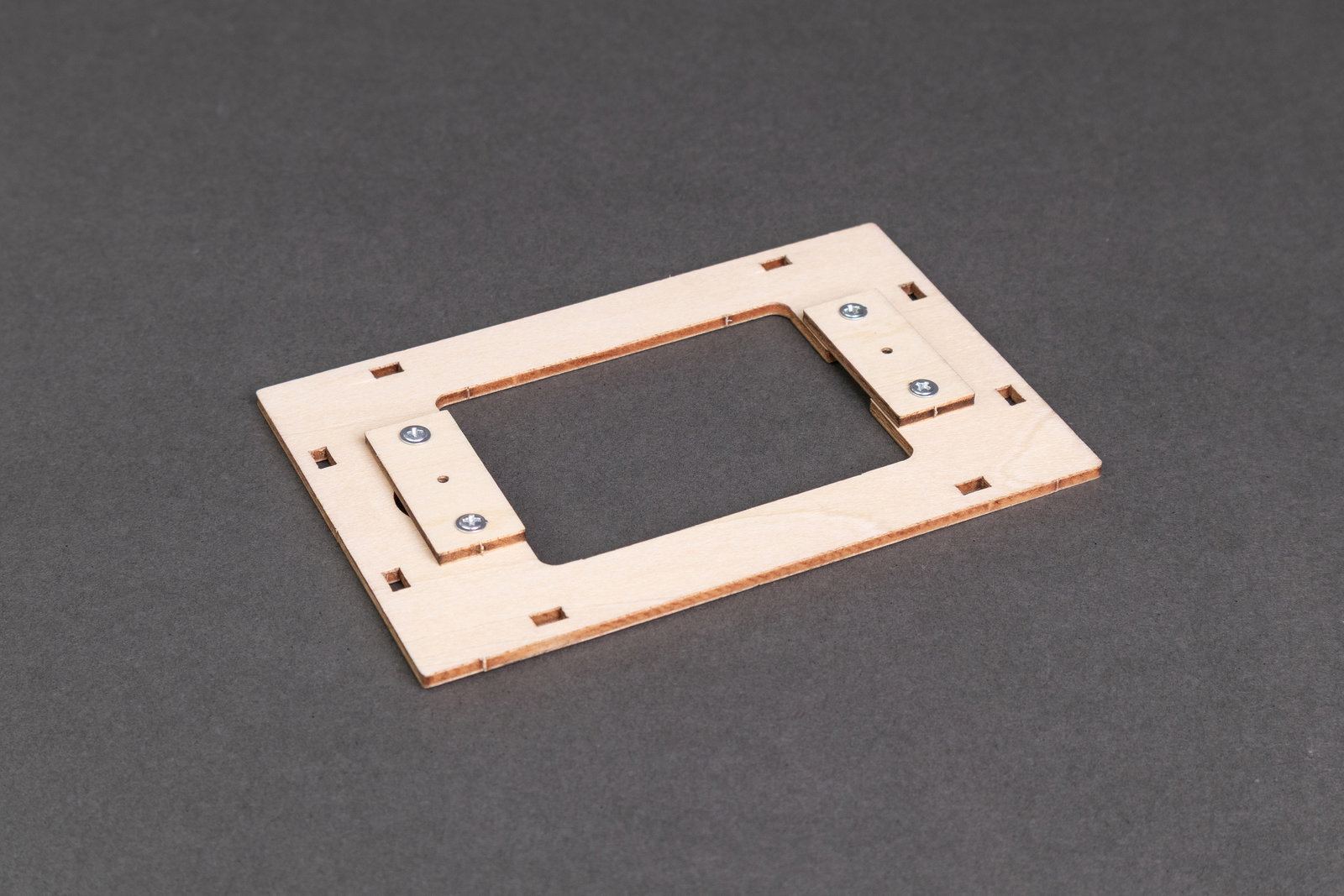
Attach the two small wooden strips to the battery cover frame using screws, as shown.
Install the Battery Holder (Short Screws)
Install the Circuit Board (Short Screws)
Connect the Battery Holder
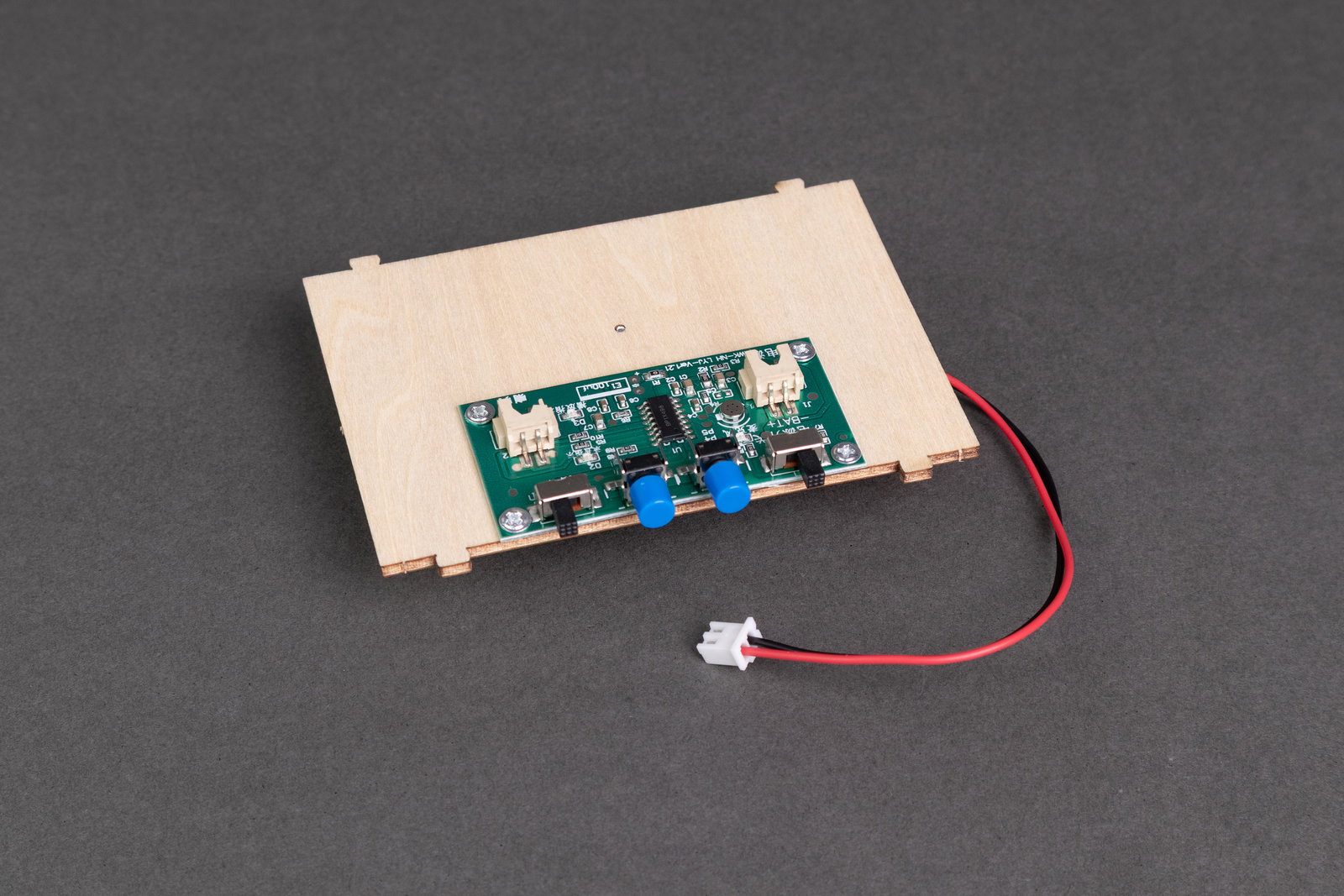
Plug the battery holder connector into the matching socket on the circuit board, as shown. Make sure it is fully inserted.
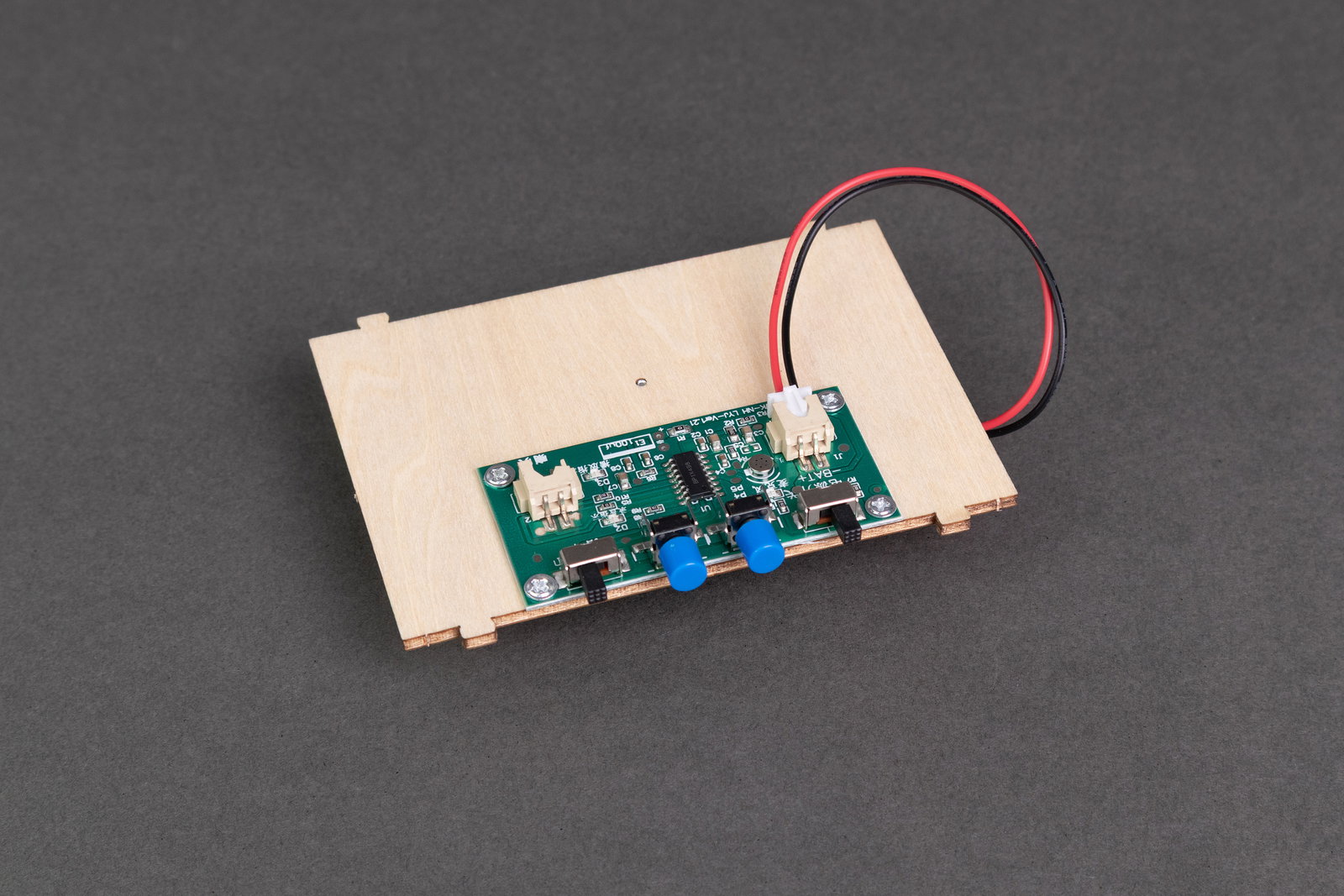
Attach the Control Panel
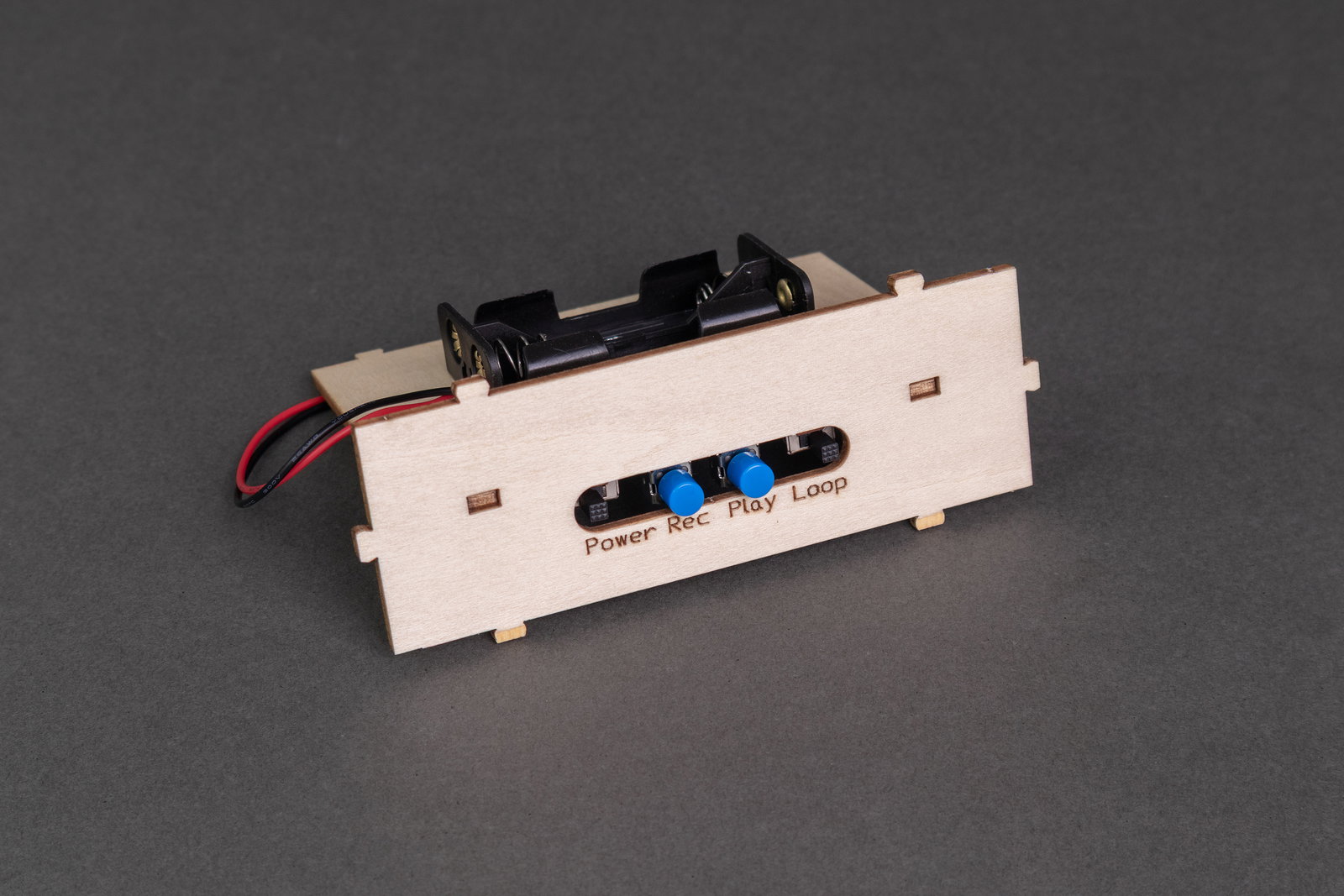
Install the Bottom Panels
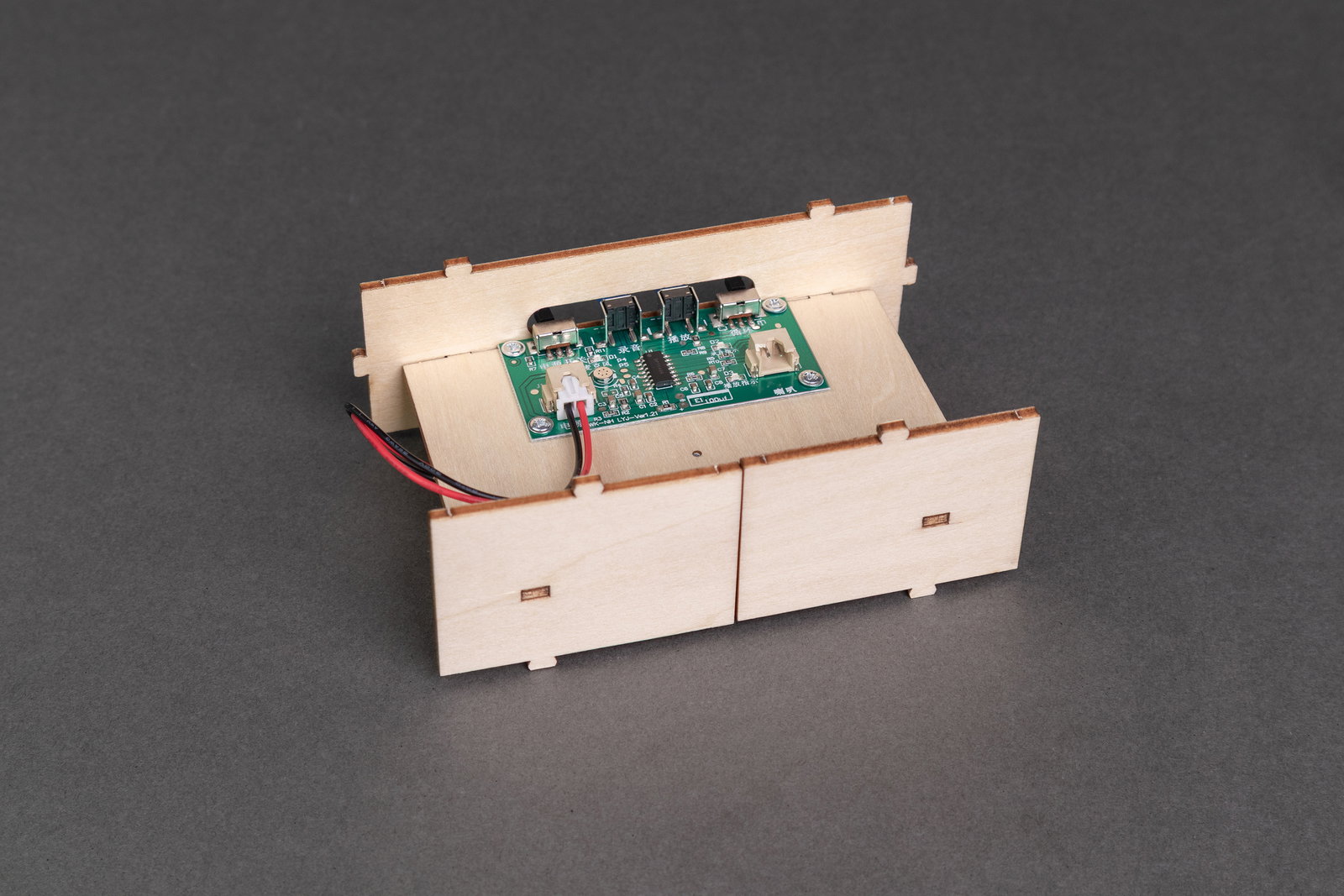
Install the Battery Access Frame
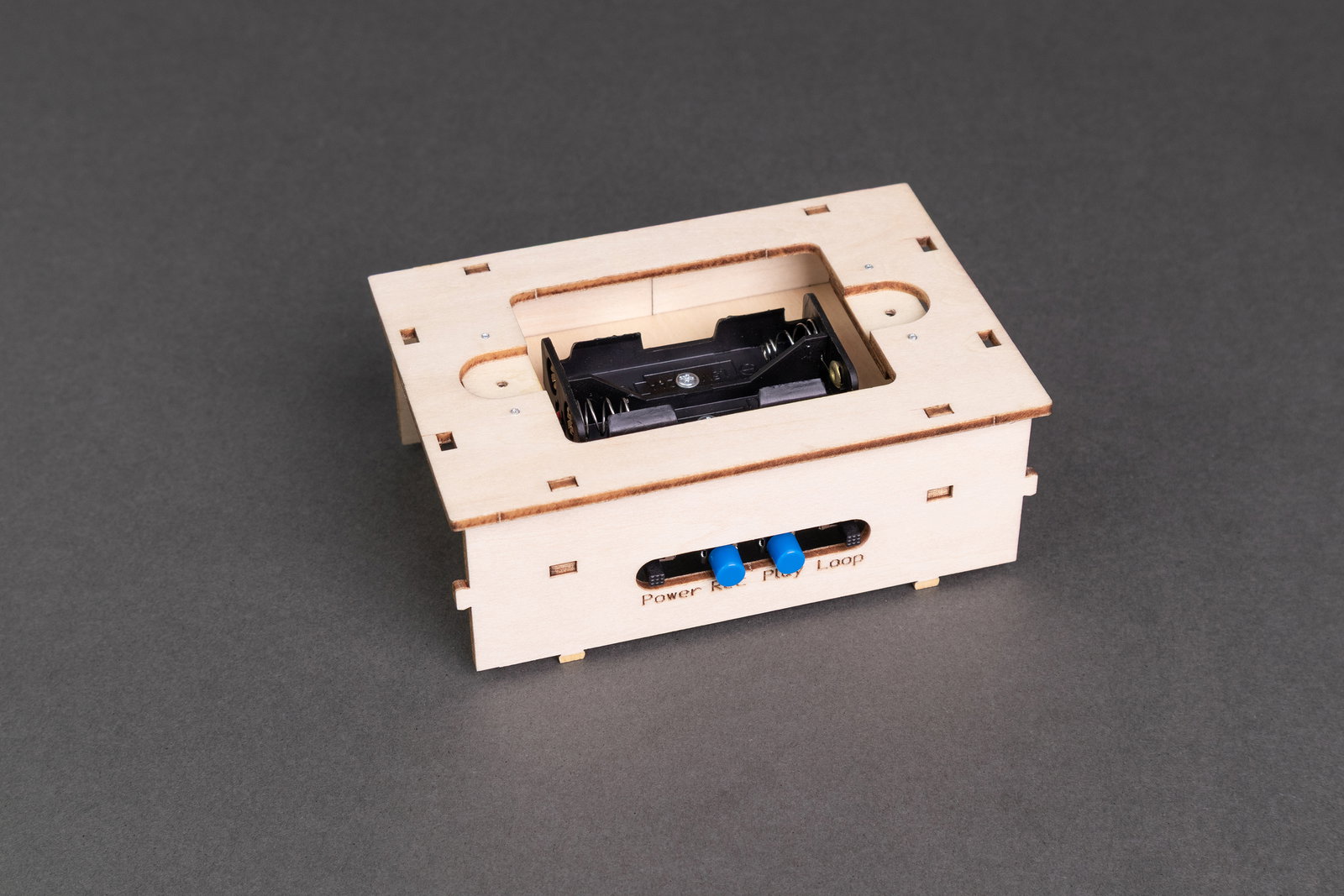
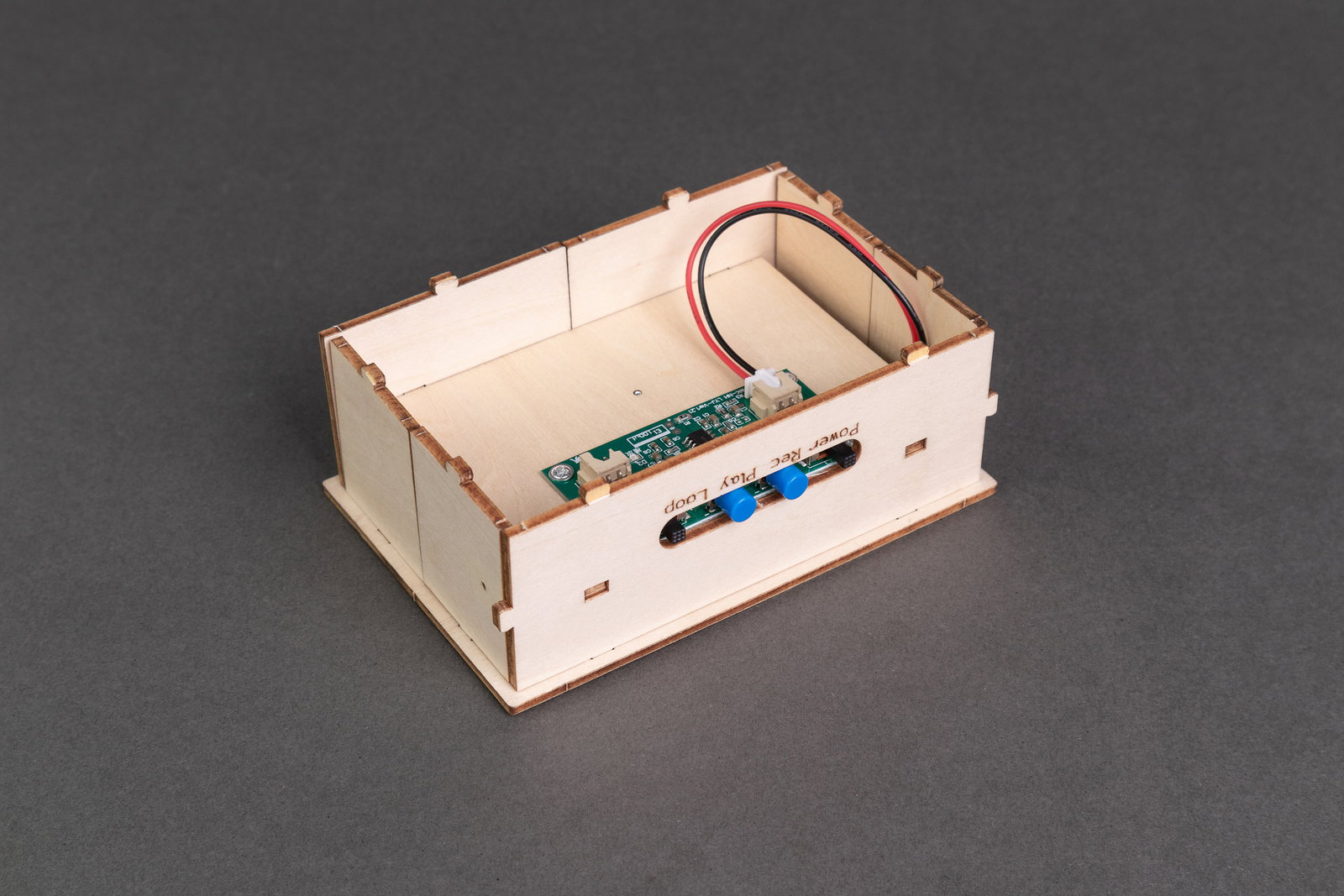
Assemble the Side Panels

Tip: Make sure the small hole on the side panel is oriented as shown. This hole will be used when installing the carrying handle.
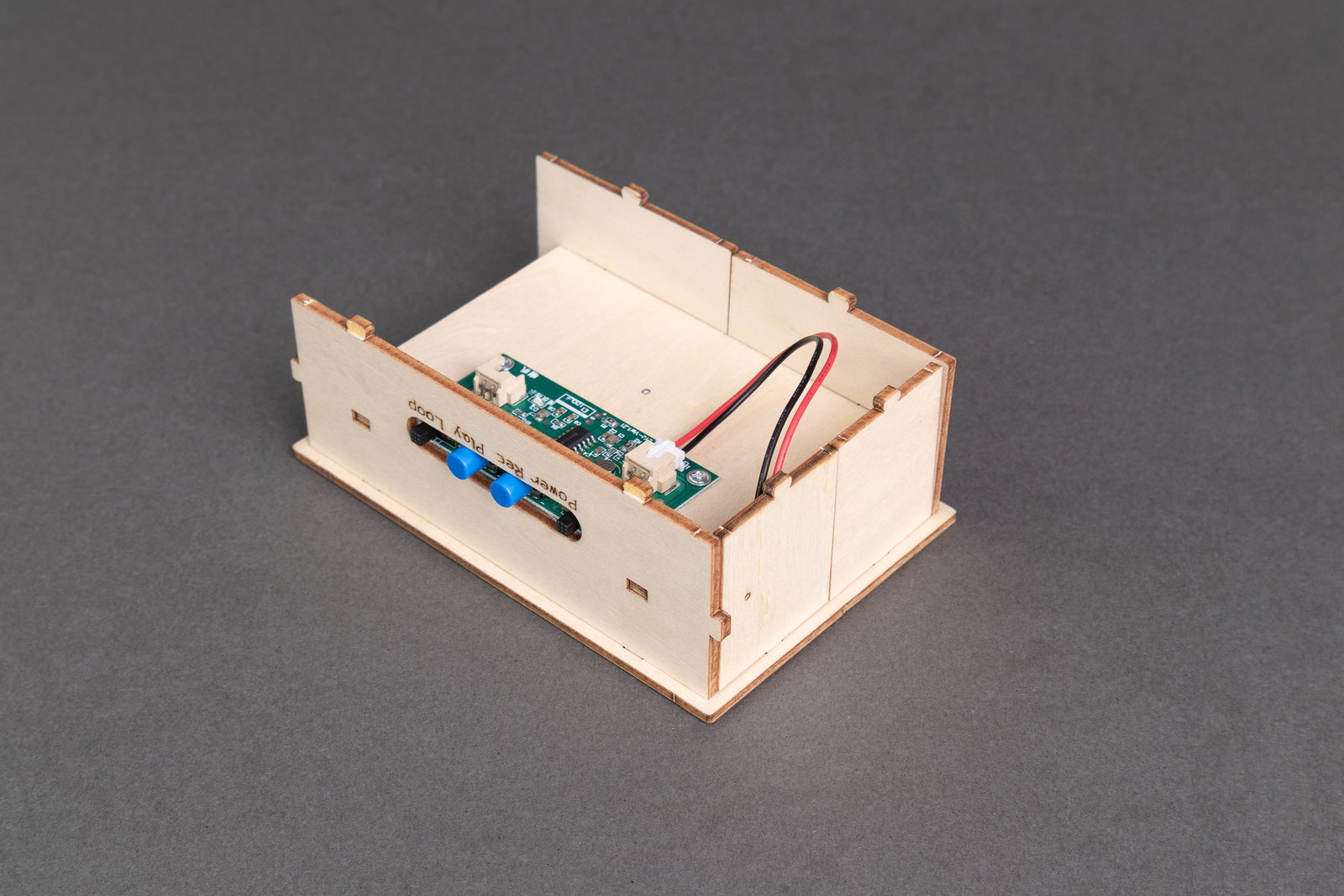
Assemble the Side Panels
Tip: Make sure the small hole on the side panel is oriented as shown. This hole will be used when installing the carrying handle.
Repeat to make two identical knobs
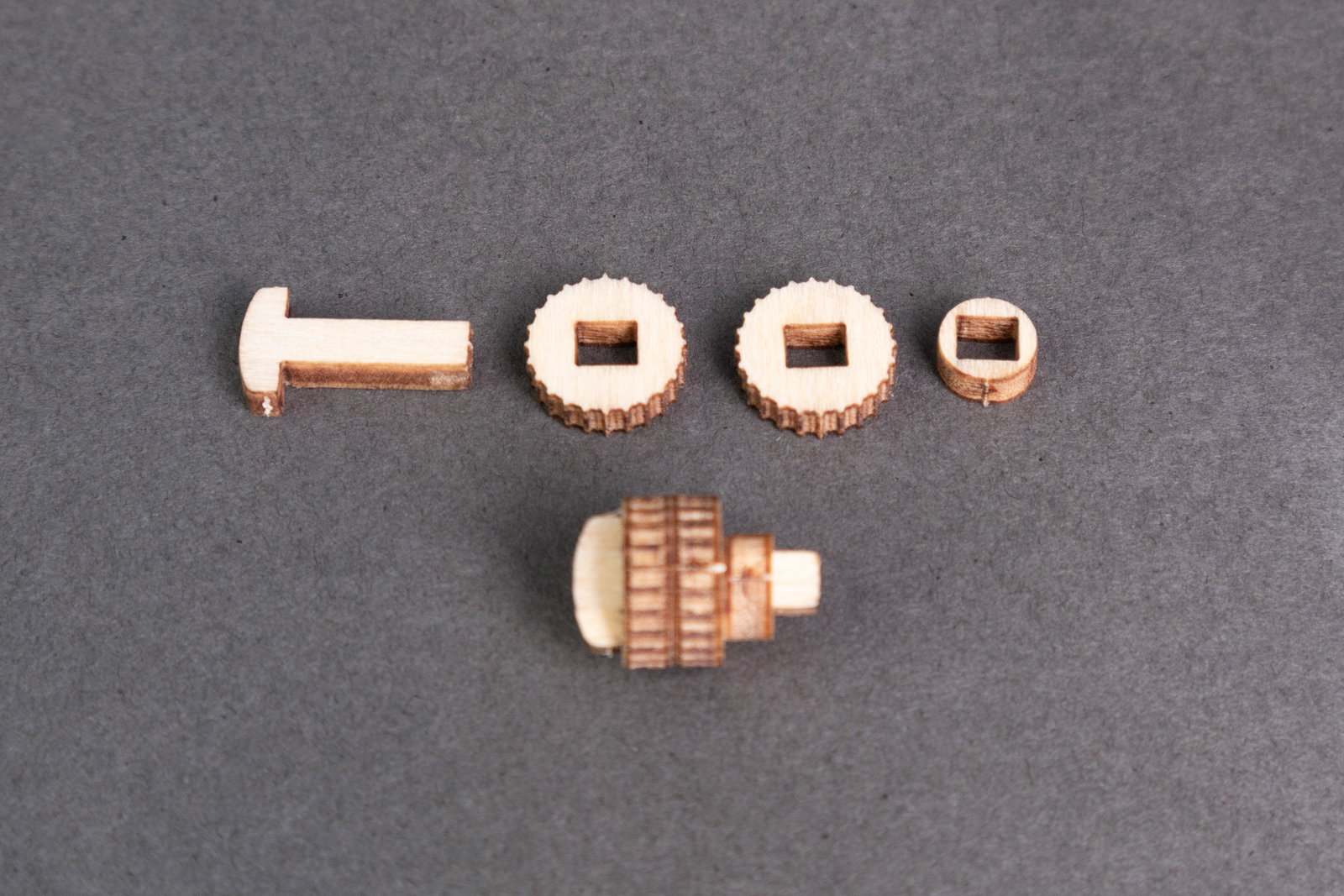
Install the Wooden Knobs
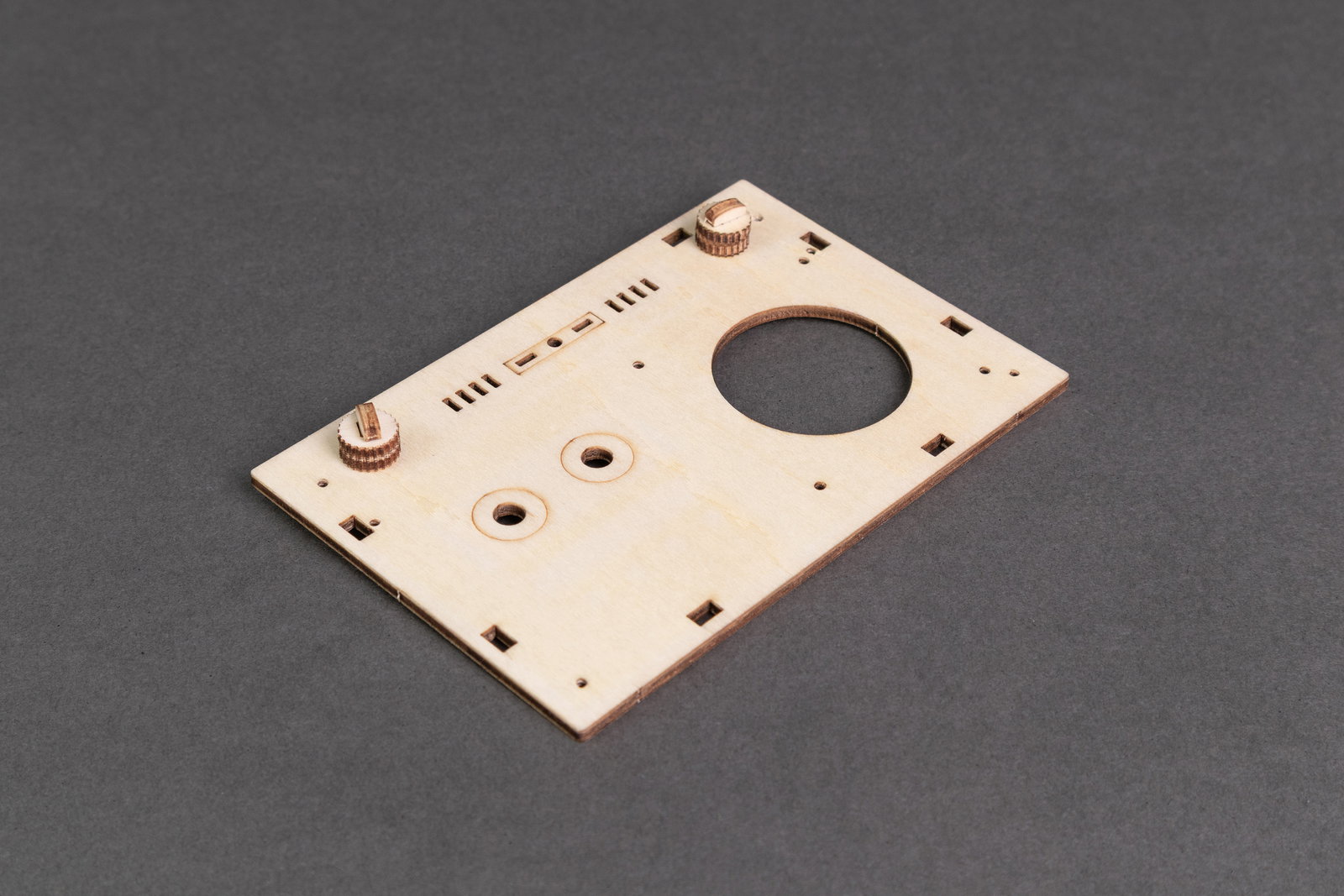
Install the Wooden Knobs
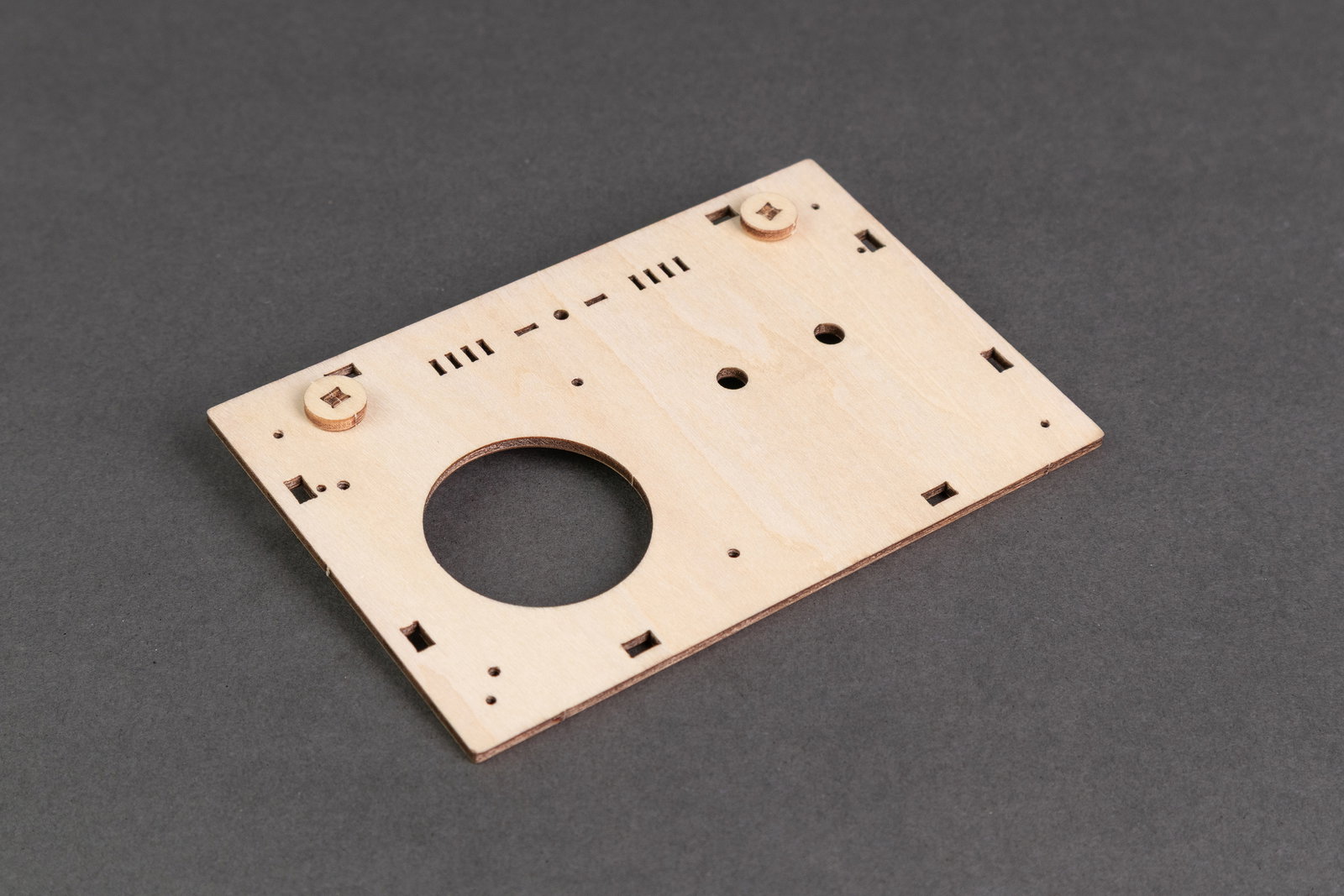
Install the Speaker (Short Screws)
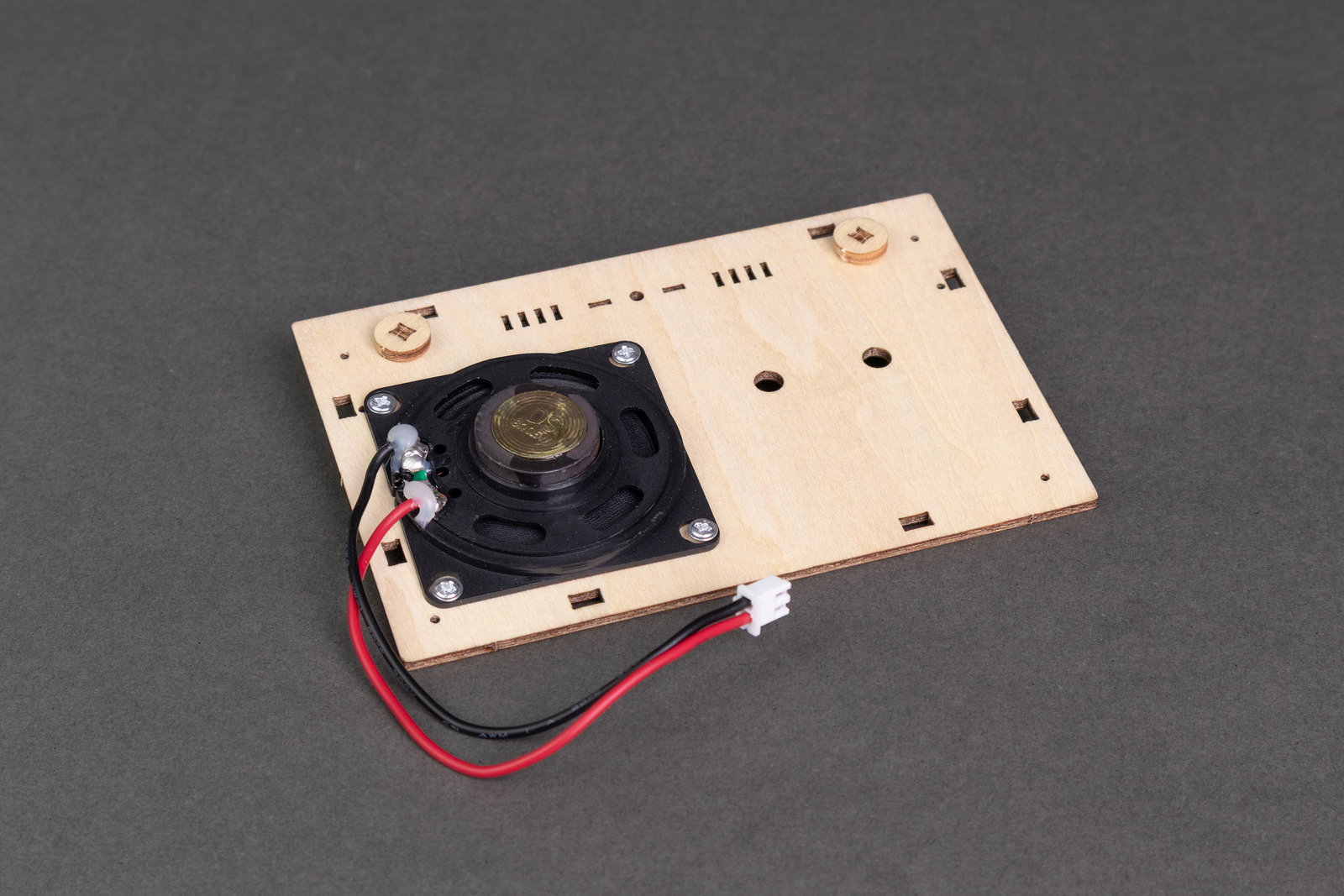
Connect the Speaker
Plug the speaker connector into the matching socket on the circuit board.
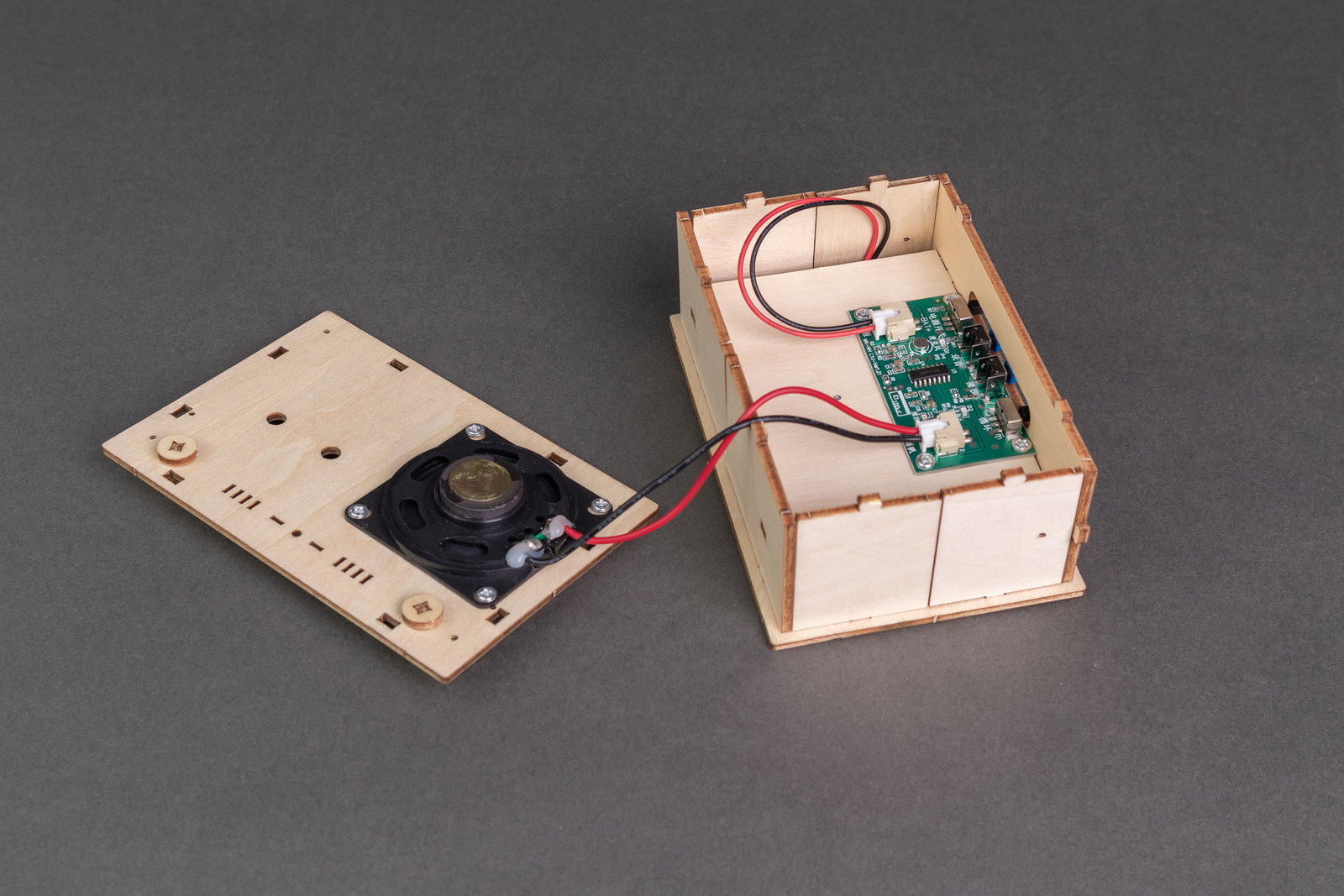
Attach the Front Panel
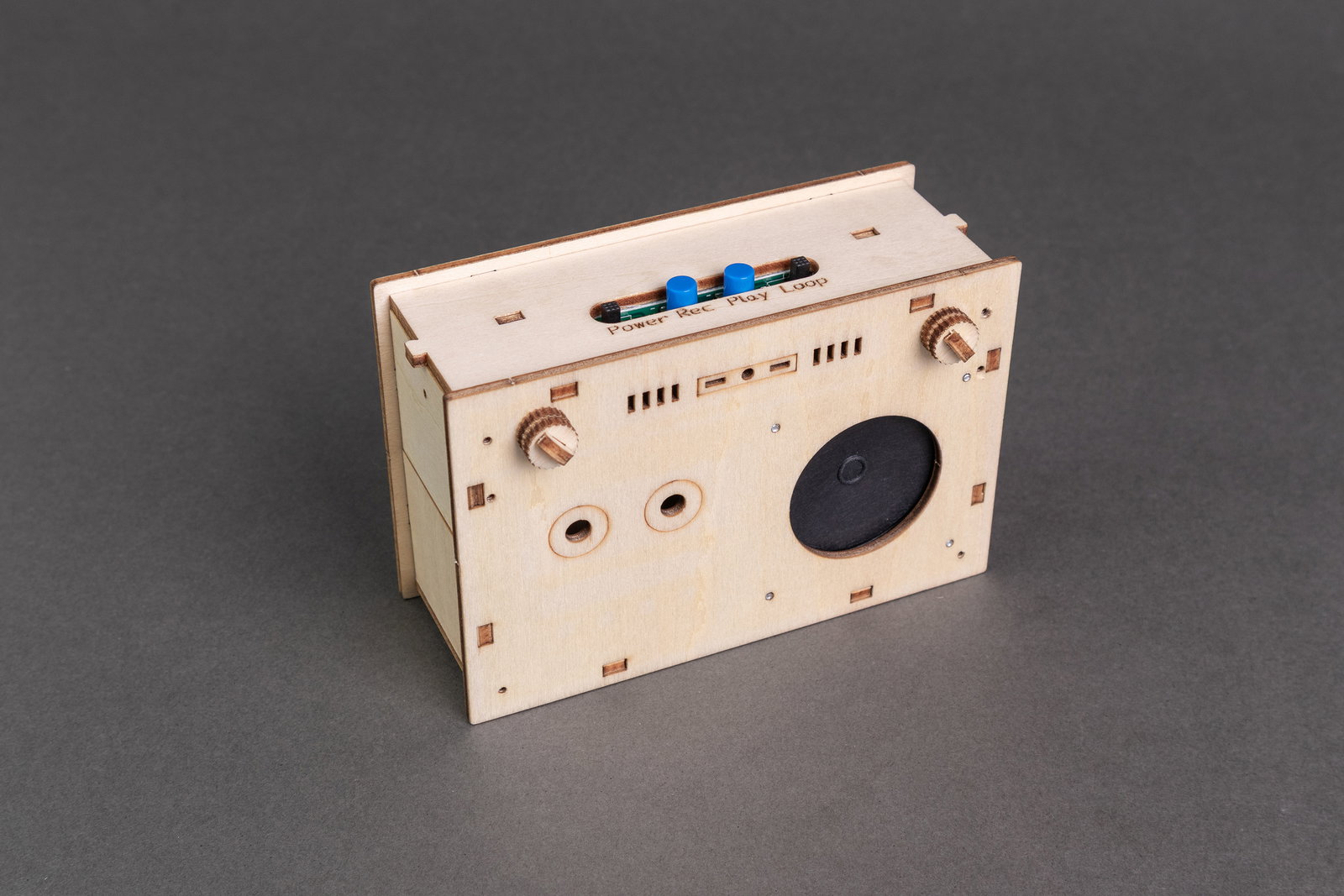
Install the Decorative Front Panel (Long Screws)
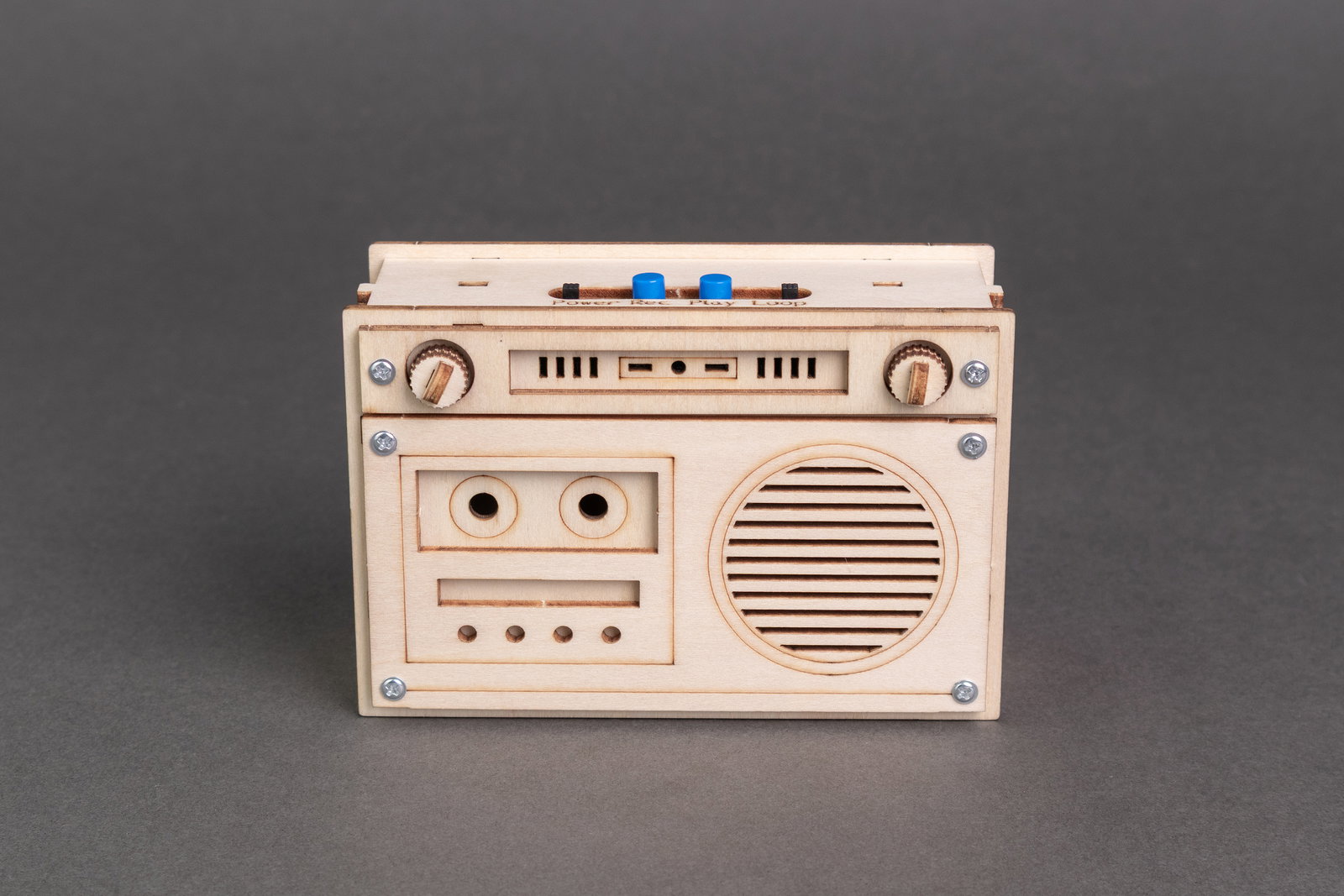
Install the Carrying Handle (Long Screws)
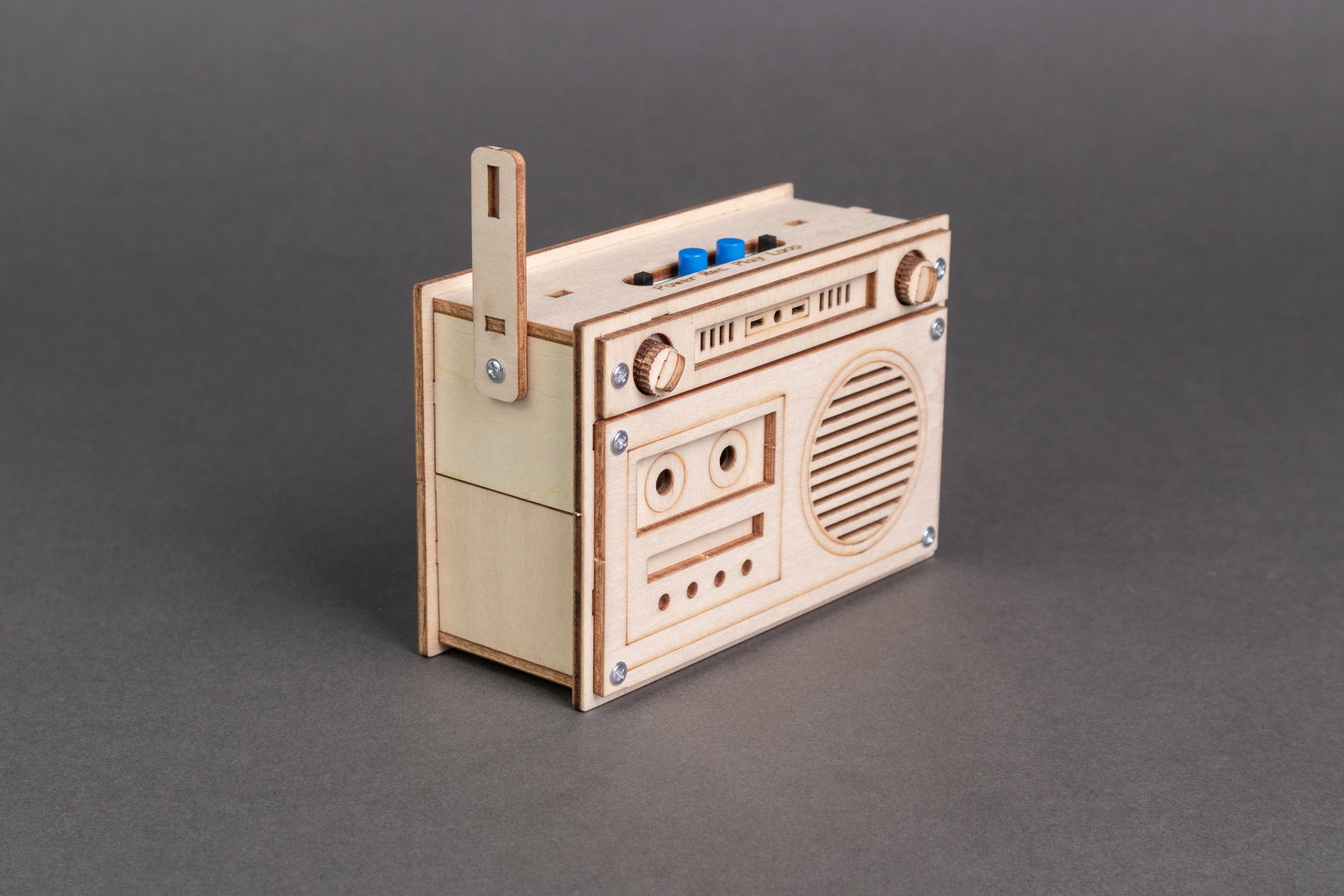
Install the Carrying Handle (Long Screws)
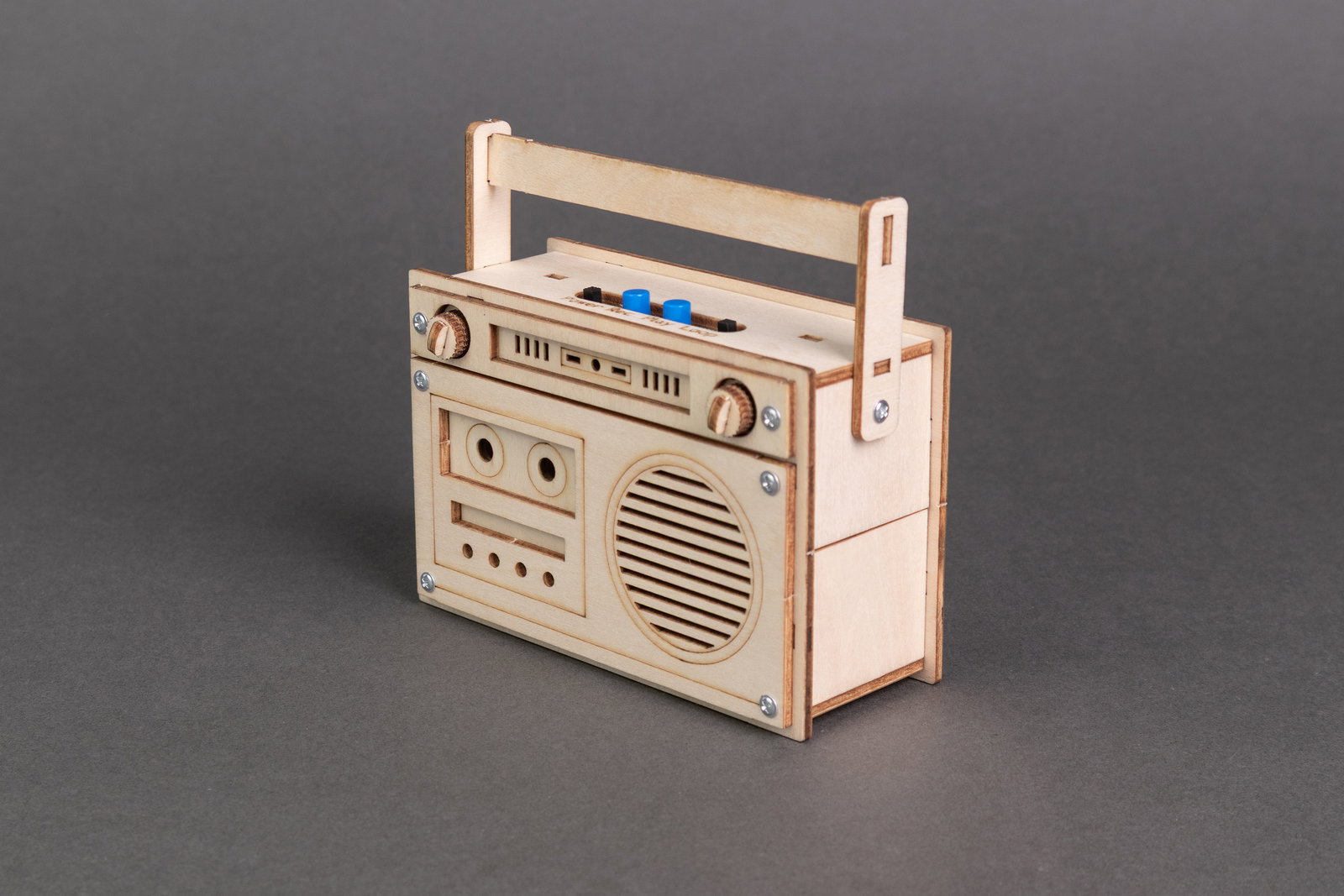
Install the Battery Cover (Long Screws)
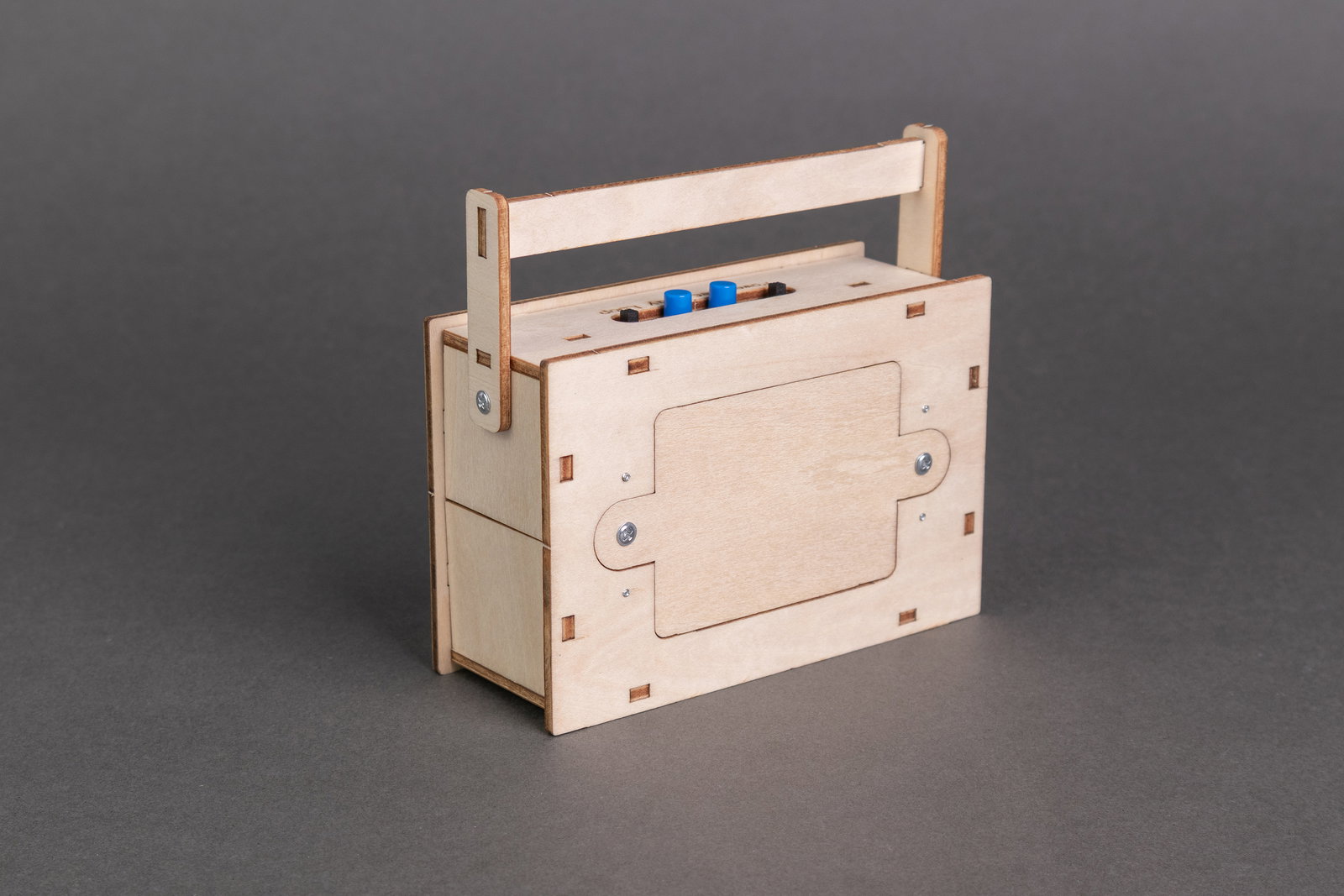
You did it!
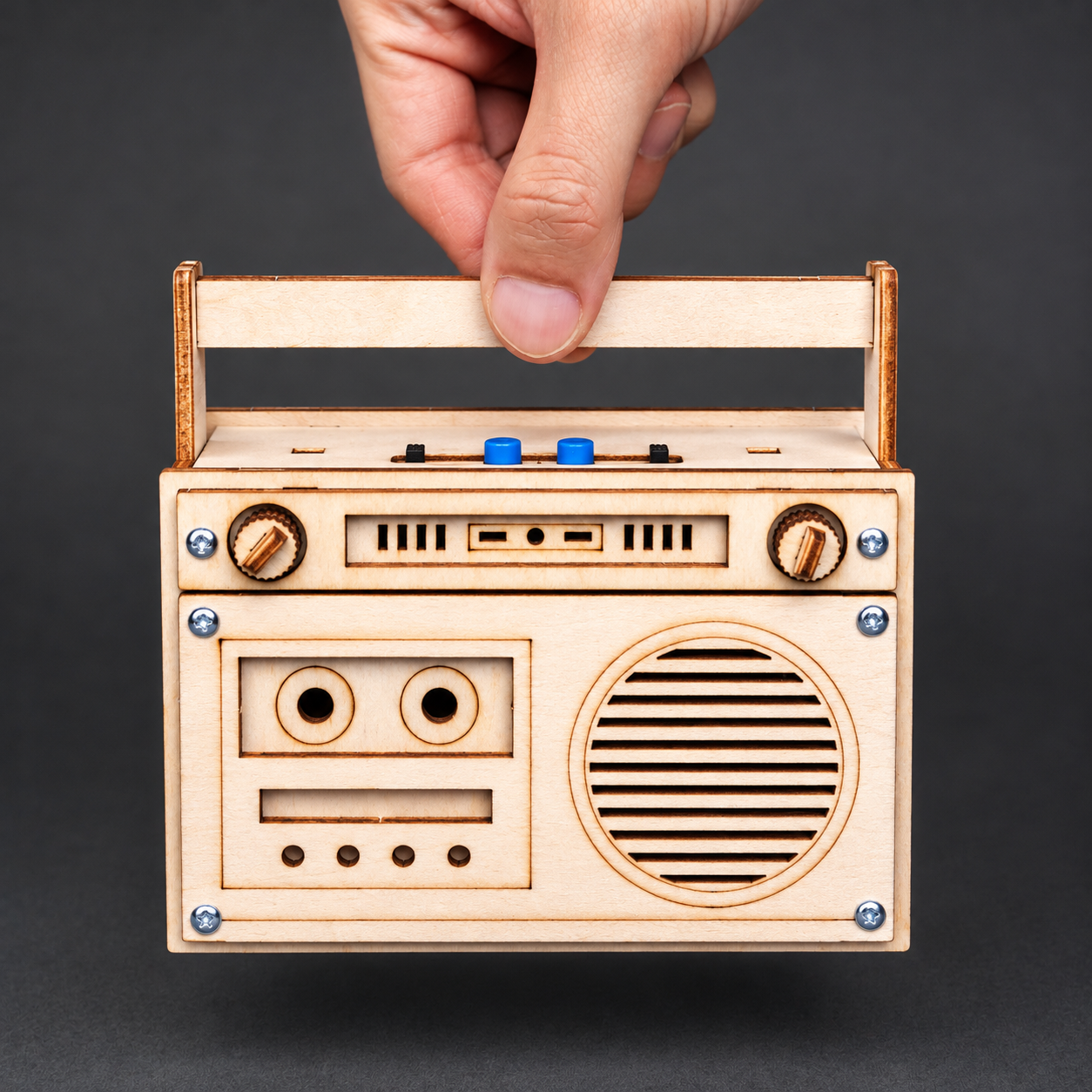
You built your own recording machine
Congratulations! Now it's time to record your voice, play it back, and discover the amazing science behind sound.

Explore the science
Explore the science of sound
You built it. Now let's see what your model can teach us.
Sound starts with vibrations
When you speak, your vocal cords vibrate, creating sound waves that travel through the air.
How is sound stored?
The electronic circuit converts your voice into digital information and stores it in memory so you can play it back later.
How does a microphone work?
A microphone detects sound waves and converts them into electrical signals that can be processed and recorded.
How does a speaker work?
When you press Play, the recording is converted back into an electrical signal. The speaker vibrates to recreate the sound.

Think like a scientist
Three experiments to try
Ready to explore the science behind your recording machine? Make a prediction, test it, and explain what you discover!
- How does distance affect sound?
Record the same sentence from 10 cm, 30 cm, and 60 cm away.
- How does distance affect volume and clarity?
- Why does sound become weaker as it travels?
Science: sound energy spreads out over distance, reducing its intensity.
- How does loop playback work?
Record a short rhythm and activate the Loop function.
- Why do some loops sound smoother than others?
- How does the length of a recording affect the rhythm?
Science: loop playback repeats stored audio, creating periodic sound patterns.
- Why is recording time limited?
Your recorder can store up to 60 seconds of audio.
- Why does digital audio require memory?
- How could engineers increase recording time without adding memory?
Science: digital audio storage depends on sampling rate, bit depth, and compression.

Need help?
Missing a part or stuck on a step?
Send us a message and we will sort it out. Our support team answers every email within 24 hours.
Email support@kitsville.com All STEM kits